Check Your Pulse Now: Free 60-Second Pulse Timer (No App Needed)
You don't need to download anything to check your pulse. Place 2 fingers on your wrist or neck, start the timer below, count each beat until it stops, and enter your count. The timer does the math and tells you where your number lands.
The American Heart Association describes the method: find the artery on the inner wrist of either arm, lightly place your index and middle fingers on it, and count the beats for 60 seconds. If your wrist pulse is hard to find, try either side of your neck. Skip your thumb, since it has a pulse of its own.
Find your pulse, then press Start. You'll get a 3-second countdown and a beep when it's time to count.
If you'd rather tap than count in your head, hold your neck pulse with 1 hand and tap the heart button with the other on every beat. Either way, a full 60 seconds gives you the most accurate number. Shorter counts get multiplied up, so being off by 1 beat over 15 seconds puts you off by 4 bpm.
How Phone Pulse Apps Read Your Heart Rate
Most pulse apps use your phone's camera to watch tiny changes in color in your skin as blood pulses through it. The technique is called photoplethysmography, or PPG, and it's the same idea behind the optical sensor on the back of a smartwatch.
There are 2 kinds of camera apps, and the difference matters for accuracy:
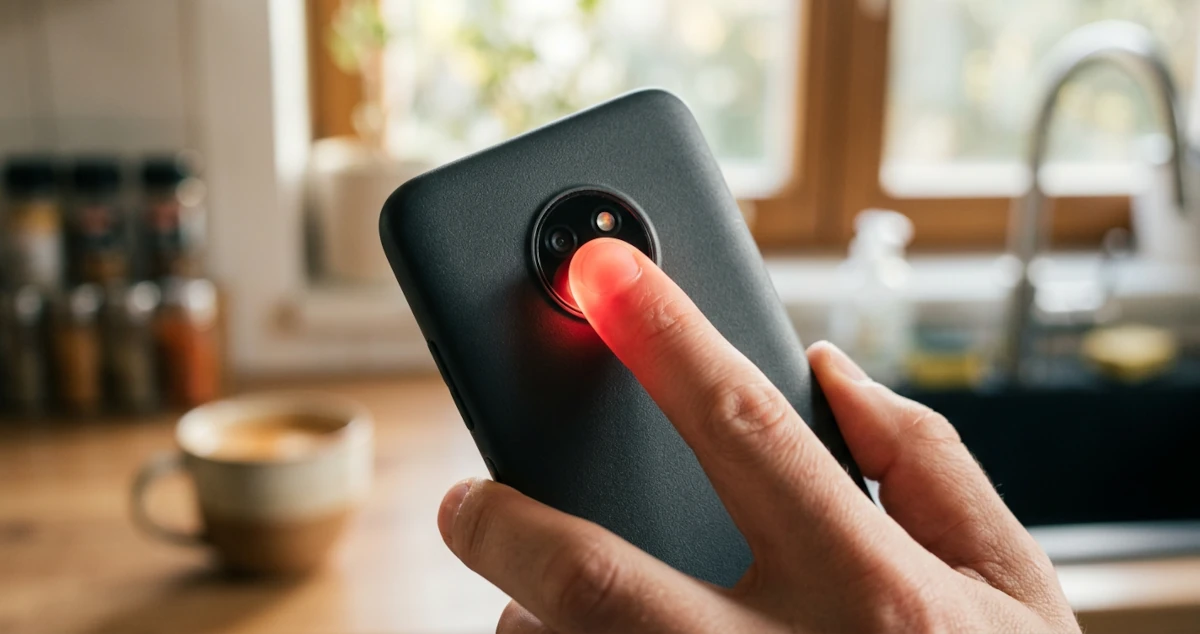
- Contact apps have you press a fingertip over the rear camera and flash. The flash lights up your fingertip, and the camera tracks the faint pulse of color with each heartbeat. This is what most "check my pulse" apps do.
- Non-contact apps point the front camera at your face and look for color changes in your skin from a distance. No touching required, but the signal is much weaker.
Neither type hears your heart or reads its electrical signal the way an ECG does. They estimate heart rate from blood flow, which is why they work best when you're still, the light is steady, and your rhythm is regular.
How Accurate Are Phone Heart Rate Apps?
Fingertip camera apps are accurate at rest as long as your heart rhythm is regular, with average errors of 2 to 5 bpm against an ECG in a hospital test. Face-scanning apps are noticeably less accurate, especially when your heart rate is high.
A 2018 meta-analysis in JMIR Cardio pooled 14 studies comparing smartphone PPG apps with validated methods. The researchers found no significant difference between the 2, with a pooled mean difference of 0.32 bpm, and correlations of .90 or higher in every adult study. They also drew a clear line around that result: the apps agreed with validated methods in adults "during resting sinus rhythm," meaning a normal, regular heartbeat at rest.
A 2017 study in the European Journal of Preventive Cardiology tested 4 apps on 108 patients from a hospital chest pain unit and emergency room in Zurich, checking each against ECG and pulse oximetry. The 2 fingertip apps had mean absolute errors of 2 and 4.5 bpm, and the better one matched pulse oximetry. The 2 face-scanning apps were off by 7.1 and 8.1 bpm. Both face-scanning apps performed significantly worse at higher heart rates and tended to underestimate them.
| App Type | How It Measures | Average Error at Rest | At Higher Heart Rates |
|---|---|---|---|
| Fingertip (contact) | Fingertip over rear camera and flash | 2 to 4.5 bpm | No drop reported |
| Face scan (non-contact) | Front camera aimed at your face | 7.1 to 8.1 bpm | Significantly worse, tends to read low |
Data from Coppetti et al., 2017.
For a resting heart rate, a fingertip app is a reasonable tool. Pick one that has you cover the rear camera, and don't rely on face-scanning apps for a number you plan to train from.
Phone App vs. Manual Count vs. Smartwatch: Which Should You Trust?
At rest, a careful 60-second manual count, a fingertip app, and a wrist wearable will usually land within a few beats of each other. During exercise, only a chest strap holds up reliably.
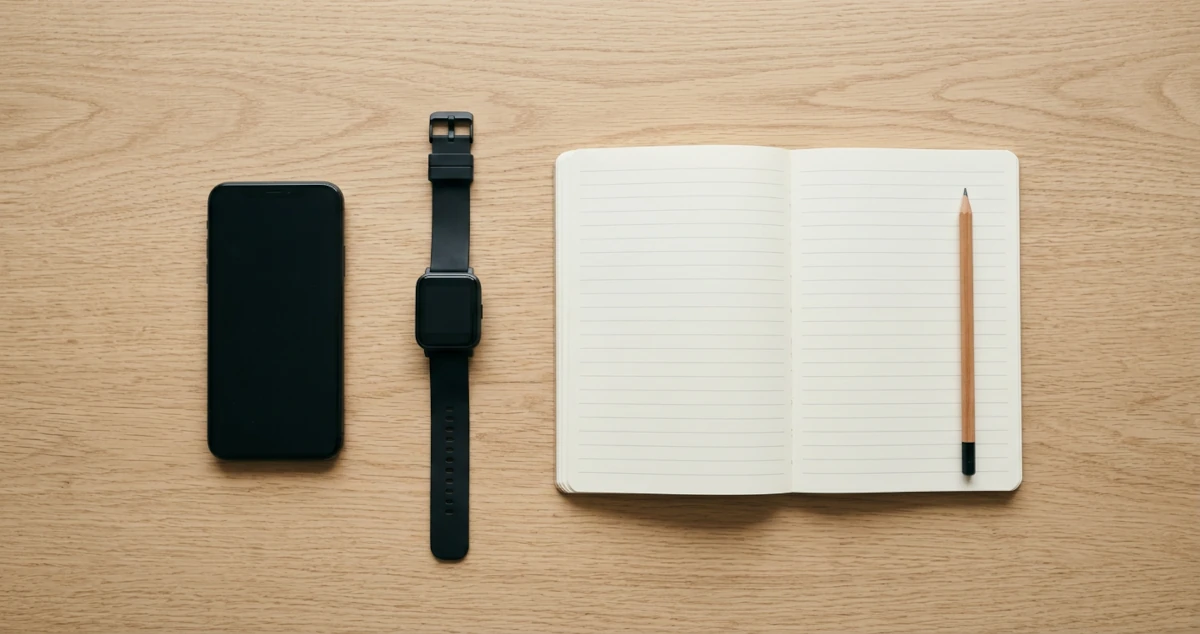
Wrist wearables use the same optical technology as fingertip apps, pressed against the skin of your wrist instead. In a 2016 Cleveland Clinic study in JAMA Cardiology, researchers tested 4 wrist-worn monitors on 50 healthy adults against ECG and a chest strap. Accuracy was best at rest and dropped as exercise got harder, and none of the wrist devices matched the chest strap.
| Method | At Rest | During Exercise | Cost | Best For |
|---|---|---|---|---|
| Manual 60-second count | Accurate if you count carefully | Hard to do while moving | Free | Resting heart rate, checking an app |
| Fingertip phone app | Accurate in a regular rhythm | Not practical | Free to low cost | Quick resting checks |
| Face-scanning phone app | Less accurate | Reads high heart rates low | Free to low cost | Not recommended for training numbers |
| Wrist wearable | Good | Less accurate as intensity rises | Moderate to high | Overnight resting trends |
| Chest strap | Good | Most accurate consumer option | Moderate | Training in heart rate zones |
For a resting heart rate, the strongest option is the one you'll repeat the same way every morning. A wearable's overnight average is convenient for spotting trends. A fingertip app or a manual count is fine for a spot check. If your training depends on hitting a zone during exercise, a chest strap is worth it. The best heart rate monitors for beginners compares straps and watches, and why your wearable's zones feel wrong covers the settings side.
How to Get an Accurate Reading From a Pulse App
Measure in the morning before you get out of bed, cover the camera and flash completely with a fingertip, stay still, and compare the result with a manual count at least once.
- Pick the right moment. For a true resting heart rate, check in the morning before you get out of bed. Sitting up, standing, coffee, and your phone's notifications all push the number up.
- Cover the lens and flash. Rest the pad of your fingertip over both so no outside light leaks in. Press lightly. Pressing hard can squeeze blood out of the fingertip and weaken the signal.
- Hold still and breathe normally. Movement is the main source of error for any optical sensor. Rest your hand and the phone on the bed or a table.
- Let the reading finish. Many apps need several seconds to lock on. Don't trust the first number that flashes up.
- Check it against your fingers once. Do a 60-second manual count with the timer above, then run the app right after. If the 2 agree within a few beats, you can trust the app for spot checks.
- Average 3 mornings. A single reading can be off by several beats after a bad night of sleep or a late drink. The average is the number to use.
If an app gives you a different number every time you run it, the usual causes are movement, light leaking around your fingertip, or cold fingers with less blood flow at the surface. Warm your hands, settle in, and try again.
When a Pulse App Can Mislead You
A pulse app can mislead you if your heartbeat is irregular, if you're moving, or if you expect a wellness app to work like a medical test. The research supporting these apps covers resting adults with a regular rhythm.
An irregular rhythm is the big one. When beats come at uneven intervals, an app that averages them into a single bpm number can hide what's going on. If your pulse feels irregular when you count it, with skipped beats, pauses, or a fluttering, uneven pattern, bring it up with your doctor, even if the app's number looks normal.
Most pulse apps are built for general wellness. A few have been cleared by the FDA for something more specific. FibriCheck, for example, received FDA 510(k) clearance in 2018 as a fingertip camera app that screens for atrial fibrillation. That's a different category of product from a free bpm counter. If you're worried about your rhythm, use a cleared device or see your doctor.
The AHA advises calling 911 if your heart rate suddenly runs far higher or lower than usual for you, especially alongside chest pain, shortness of breath, dizziness, or fainting. No app reading should talk you out of that.
What Your Pulse Number Means
A normal resting heart rate for adults is 60 to 100 bpm, and lower within that range generally reflects better aerobic fitness. Under 60 is common in people who train regularly.
The timer above sorts your number into the same bands the site's resting heart rate calculator uses: under 50 is athlete territory, the 50s are excellent, the 60s are good, the 70s are average, and 80 or higher is below average, with room to improve. For what's typical at your age, along with what counts as low or high, see what is a good resting heart rate by age and fitness level.
Your resting number is also half the input for personalized training zones. The Karvonen formula subtracts it from your max heart rate to find your heart rate reserve, then builds each zone from that gap. Two people the same age with different resting heart rates get different zones, which is the main reason an accurate morning reading is worth 60 seconds of your time.
Max HR = 220 − 40 = 180 bpm
HRR = 180 − 58 = 122 bpm
Zone 2 = 58 + (0.60–0.70 × 122) = 131–143 bpm
Max HR = 220 − 40 = 180 bpm
HRR = 180 − 74 = 106 bpm
Zone 2 = 74 + (0.60–0.70 × 10⁶) = 138–148 bpm
Same age and same max heart rate, but a 16-beat gap at rest moves zone 2 up by 5 to 7 bpm. A pulse count that's off by 10 beats shifts zone 2 by 3 to 4 bpm.
A pulse check is also useful right after a workout. How fast your heart rate drops in the first minute says something about your fitness too, which heart rate recovery after exercise explains.
Frequently Asked Questions
Are pulse apps on your phone accurate?
Fingertip camera apps are accurate at rest when your heart rhythm is regular. A 2018 meta-analysis of 14 studies found no significant difference between smartphone apps and validated methods in resting adults. Face-scanning apps are less accurate, especially at higher heart rates.
Can I check my pulse without an app?
Yes. Place your index and middle fingers on the inside of your wrist or the side of your neck, count the beats for 60 seconds, and that count is your heart rate in beats per minute. The free timer on this page handles the timing and the math.
Is a phone app or a smartwatch more accurate?
At rest, both tend to be close when used correctly. A smartwatch has the advantage of tracking overnight, which gives you a steadier resting average. During exercise, wrist devices lose accuracy as intensity rises, and a chest strap is the most reliable consumer option.
Can a phone app detect atrial fibrillation?
A few can. FibriCheck received FDA 510(k) clearance in 2018 to screen for atrial fibrillation with a phone camera. Most free pulse apps aren't cleared for that, so an irregular pulse is a reason to see your doctor, whatever the app says.
Why does my pulse app give a different reading each time?
Movement, light leaking around your fingertip, pressing too hard, and cold fingers all weaken the signal. Your heart rate also changes from minute to minute. Measure at the same time each day, hold still, and average several readings.
How long should I check my pulse for?
Count for a full 60 seconds. Counting for 15 seconds and multiplying by 4 is faster, but any counting mistake gets multiplied too.
This article is for informational purposes only and does not constitute medical advice. Pulse apps and the timer on this page can't diagnose a heart condition. See a doctor if your pulse feels irregular or your resting heart rate is often above 100 bpm, and call 911 for chest pain, shortness of breath, or fainting.