
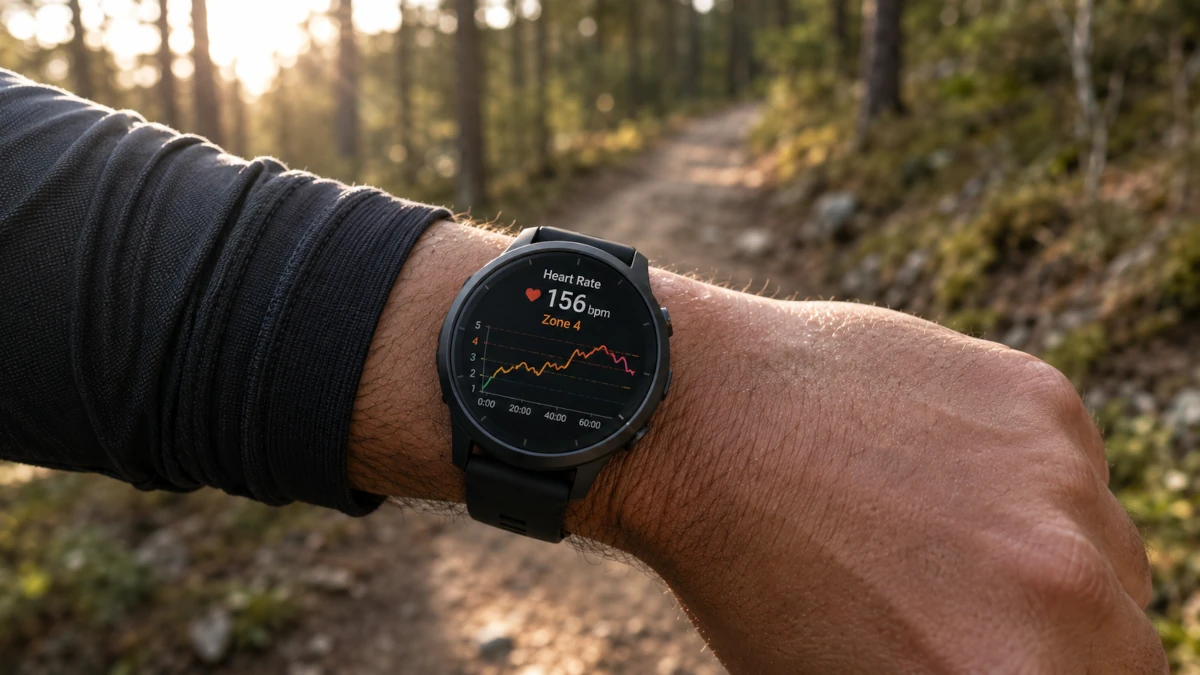
You slow down because your Garmin says you're in Zone 3. Your running partner, same age, same watch brand, is cruising along in Zone 2 at a pace that would put you in Zone 4. Or your Apple Watch tells you a hike barely counts as exercise while your legs disagree. Garmin, Whoop, and Apple Watch all calculate heart rate zones differently, and 2 of the 3 default to a method that leaves out one of the most important numbers your body has: your resting heart rate.
Two Different Problems, One Symptom
Zones feel wrong for one of 2 reasons, sometimes both at once. The first is a bad max heart rate estimate. Most devices default to 220 minus your age, which carries a margin of error of roughly 10 to 12 bpm. The second, bigger issue is the zone method itself: a flat percentage of max heart rate treats a highly trained athlete and someone new to exercise identically, as long as they're the same age, because it never asks how fit either of them is.
The fix for the second problem is the Karvonen formula, which uses heart rate reserve (max HR minus resting HR) instead of a flat percentage. Whether your watch already does this, and how easy it is to turn on, depends entirely on which one you're wearing.
Garmin Defaults to a Flat Percentage of Max HR
Out of the box, Garmin sets your 5 heart rate zones as a percentage of max heart rate, with max heart rate estimated as 220 minus your age unless you've entered your own value. This is the same 2-part problem the rest of this site covers: an imprecise age-based ceiling, then zones built as a flat slice of that ceiling with no input from your resting heart rate.
Garmin does offer a better option, a %HRR setting, which is the Karvonen method under a different name. It isn't the default. The Apple Watch vs. Garmin setup guide has the step-by-step menu path, and Garmin's manual lists every zone option, including %LTHR (lactate threshold) for athletes who've done a threshold test. Before switching, check that your resting heart rate is accurate (Garmin tracks it overnight) and enter a real max heart rate if you have one, ideally from a race finish or hard interval effort.
Apple Watch Has No Built-In Karvonen Option
According to Apple's own documentation, Heart Rate Zones on Apple Watch "are a percentage of your maximum heart rate" calculated from your health data, primarily your date of birth. There's no setting anywhere in watchOS to switch that calculation to heart rate reserve or Karvonen. The only customization Apple offers is manually entering your own bpm range for zones 2, 3, and 4 under Settings > Workout > Heart Rate Zones > Manual, on the watch or in the iPhone Watch app.
That manual override is the workaround: calculate your own Karvonen zones separately, then type the bpm ranges into the Manual fields. It's the only way to get heart-rate-reserve-based zones on an Apple Watch, since the automatic calculation always falls back to a flat percentage of max HR. The Apple Watch vs. Garmin setup guide walks through it tap by tap, with a worked example of the numbers to enter.
Whoop Already Uses Heart Rate Reserve
Good news if you wear a Whoop: it already defaults to heart rate reserve, the same math as the Karvonen formula, for its 5 zones. Whoop's own documentation explains the reasoning directly: a percent-of-max method "locks to a ceiling that does not change," while HRR "moves with your fitness" as your resting heart rate improves.
Whoop measures resting heart rate during sleep on a rolling baseline, which tends to be more reliable than a single morning reading. Where Whoop can still be off is the other input: max heart rate starts as an age-based estimate and gets refined over time from your workout data, so it can run low until you've logged a true all-out effort. If you have a measured max HR from a race or lab test, entering it manually in the Whoop app produces more accurate zones immediately instead of waiting for the algorithm to catch up.
See the Gap in Real Numbers
Take a 34-year-old runner with a resting heart rate of 47 bpm, on the fitter end but far from unusual for someone who trains regularly. Using 220-minus-age, their max HR estimate is 186 bpm.
- Flat 60–70% of max HR (Garmin/Apple Watch default): 112–130 bpm
- Karvonen 60–70% of heart rate reserve (Whoop default, Garmin %HRR): 130–144 bpm
Anyone doing an "easy" run at 125 bpm would be told they're in Zone 2 by a flat-percentage device and Zone 1 by a Karvonen-based one. Neither reading is a malfunction. They're 2 different definitions of Zone 2 disagreeing about the same heart rate. The lower a person's resting heart rate, the wider this gap gets, which is exactly why fitter athletes tend to be the ones who notice their zones feel off first.
Getting the Right Numbers Into Any Device
Whichever watch you wear, the fix starts the same way: get an accurate resting heart rate and a better max heart rate, then either switch the device's calculation method (Garmin) or manually enter the resulting bpm ranges (Apple Watch, or Whoop if overriding the max HR).
Enter your age and resting heart rate into the Karvonen calculator on this site to get all 5 zones at once. If you want a better max heart rate than 220-minus-age to plug in first, the Tanaka formula is a solid default for most adults, or use the formula comparison tool to see which of the 5 available formulas fits you best. The heart rate reserve guide covers the underlying math if you want the full explanation of why this changes your numbers so much.
If you're shopping for a new device rather than fixing an existing one, this guide to heart rate monitors covers which models pair well with accurate chest straps versus wrist-based sensors, which is a separate accuracy question from the zone math covered here.
Fixed your max heart rate and switched to the right zone method, but the numbers still feel off? Sensor lag in optical wrist sensors is the next likely culprit, and it's a separate issue from the formula problem covered here.
Frequently Asked Questions
Why do my Garmin heart rate zones feel wrong?
Garmin's default zone method is a flat percentage of max heart rate, with max heart rate estimated as 220 minus your age unless you've entered a different value. Both parts of that can be wrong: 220-minus-age carries a margin of error of roughly 10 to 12 bpm, and the flat-percentage method ignores your resting heart rate entirely. If you have a low resting heart rate, this combination usually makes Zone 2 feel far too easy and the top zones feel unreachable.
Does Apple Watch use the Karvonen formula for heart rate zones?
No. According to Apple's own documentation, Heart Rate Zones on Apple Watch are calculated as a percentage of your estimated maximum heart rate using your health data, primarily your age. There is no built-in option to switch to a heart rate reserve or Karvonen-based calculation. The only customization available is manually entering your own bpm boundaries for zones 2 through 4 under Settings > Workout > Heart Rate Zones.
Does Whoop use heart rate reserve or max heart rate for zones?
Whoop uses heart rate reserve, the same calculation known as the Karvonen formula, as its default zone method. It factors in both your resting heart rate, measured during sleep, and your maximum heart rate, which starts as an age-based estimate and is refined from your workout data over time. Whoop does offer a percent-of-max-heart-rate override for people who prefer it or have a lab-tested max HR they want to anchor to directly.
What number should I enter as my max heart rate on my wearable?
Use a directly measured peak heart rate from a recent race or all-out effort if you have one. If not, the Tanaka formula (208 minus 0.7 times age) is a better starting estimate than 220-minus-age for most adults, especially over 40. Either number will produce more accurate zones on any device than leaving the default in place.
This article is for informational purposes only and does not constitute medical advice. Please consult a physician or certified fitness professional before performing maximal exercise tests or starting a new training program. Garmin, Apple Watch, and Whoop are trademarks of their respective owners; this site is not affiliated with or endorsed by any of them.